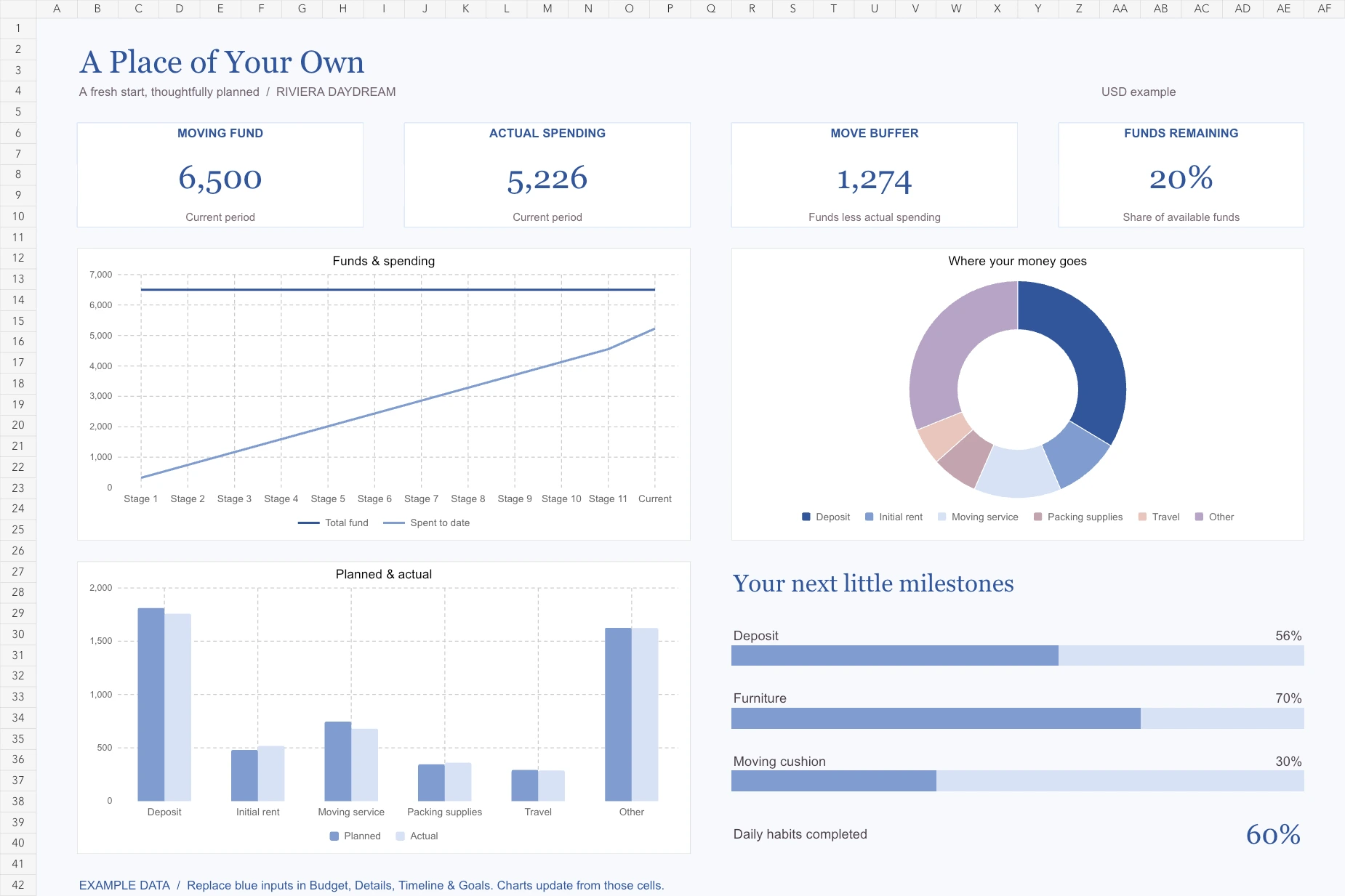
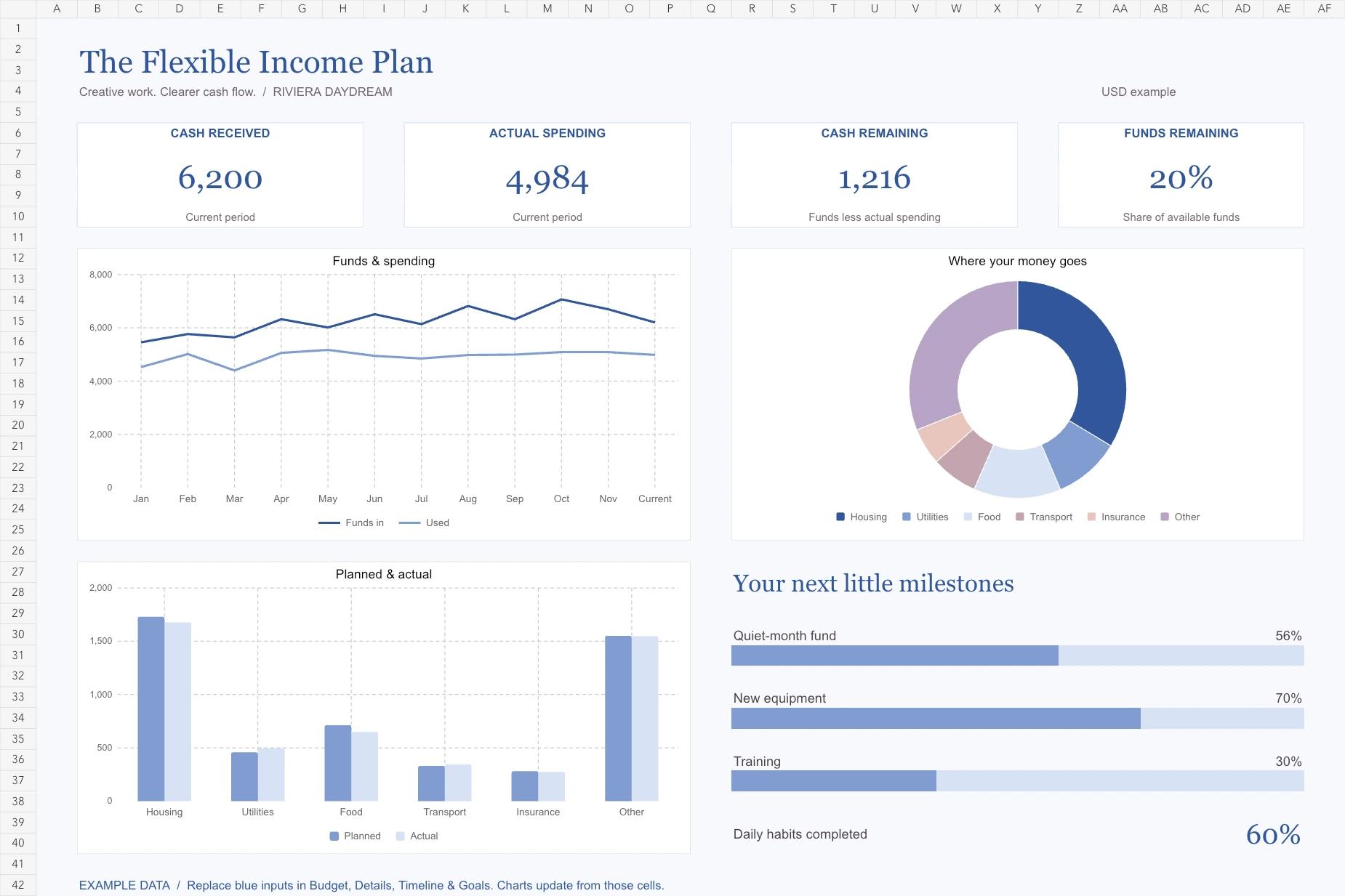
Excel dashboard · live charts · goals · PDFs included
One-time download · Riviera Daydream edition
Your numbers become a clear visual overview. Charts are linked to editable cells in the workbook.
Travel Budget Planner
Plan the trip from your first booking to your last coffee, with a little room for spontaneity.
Includes clearly labeled example entries and instructions to replace them with your own.
Riviera Daydream
Cobalt stripes, lemon yellow & a holiday state of mind. The exact theme shown is the one you receive.
Open the Excel workbook and replace the highlighted example inputs with your own numbers. Its formulas update totals and native charts. The Dashboard, Budget, Details, Yearly/timeline and Goals sheets each have a clear role. Prefer paper? Print your six-page PDF at 100% scale. PDFs are printable, not fillable.
Undated and reusable. For personal and household use. Print extra copies for yourself; please don’t resell or redistribute. You can request a refund within 14 days. Read the terms.
Excel dashboard · live charts · goals · PDFs included
Excel dashboard · live charts · goals · PDFs included
Each planner has a five-sheet Excel workbook with a dashboard, linked charts, budget and detail inputs, a yearly or milestone view, and goals/habits tracking. It also includes a six-page PDF in A4 and US Letter. These are digital products; nothing physical is shipped.
Yes. Dashboard and tracker images are rendered from the actual Excel files with clearly labeled example data. You can also preview all six printable pages. The aesthetic shown is the theme you receive.
Of course. Every planner is undated and reusable. Print a fresh copy or duplicate your workbook for a new month or occasion.
Open the .xlsx file in Microsoft Excel and replace the highlighted example inputs. Charts and totals link to those cells. Google Sheets can import .xlsx files, but chart appearance may change. Use one currency throughout.
After successful payment, your private download page opens and a download link is emailed to you. No account or subscription needed.
Contact thomastobiashansen@gmail.com within 14 days to request a refund, including after downloading. We also help with faulty files. Your statutory rights remain unaffected.